Skip to content

Teach Auto-Pilot.
Own every reply.

AI Center is where you grow the knowledge base Auto-Pilot uses to answer guests. Add Q&As, saved replies, guidebooks and internal docs, test in Playground, then go live in 30+ languages with drafts until you trust it.

4
Knowledge types
Testing
Mode before auto-send
30+
Languages
Playground
Dry-runs before go-live
AI Center interface preview

Your knowledge base for guest replies, powered by Auto-Pilot.

Operators teach Guestway once. Auto-Pilot reuses that knowledge across properties and languages, with Testing mode so replies land as drafts until you are ready to send automatically.

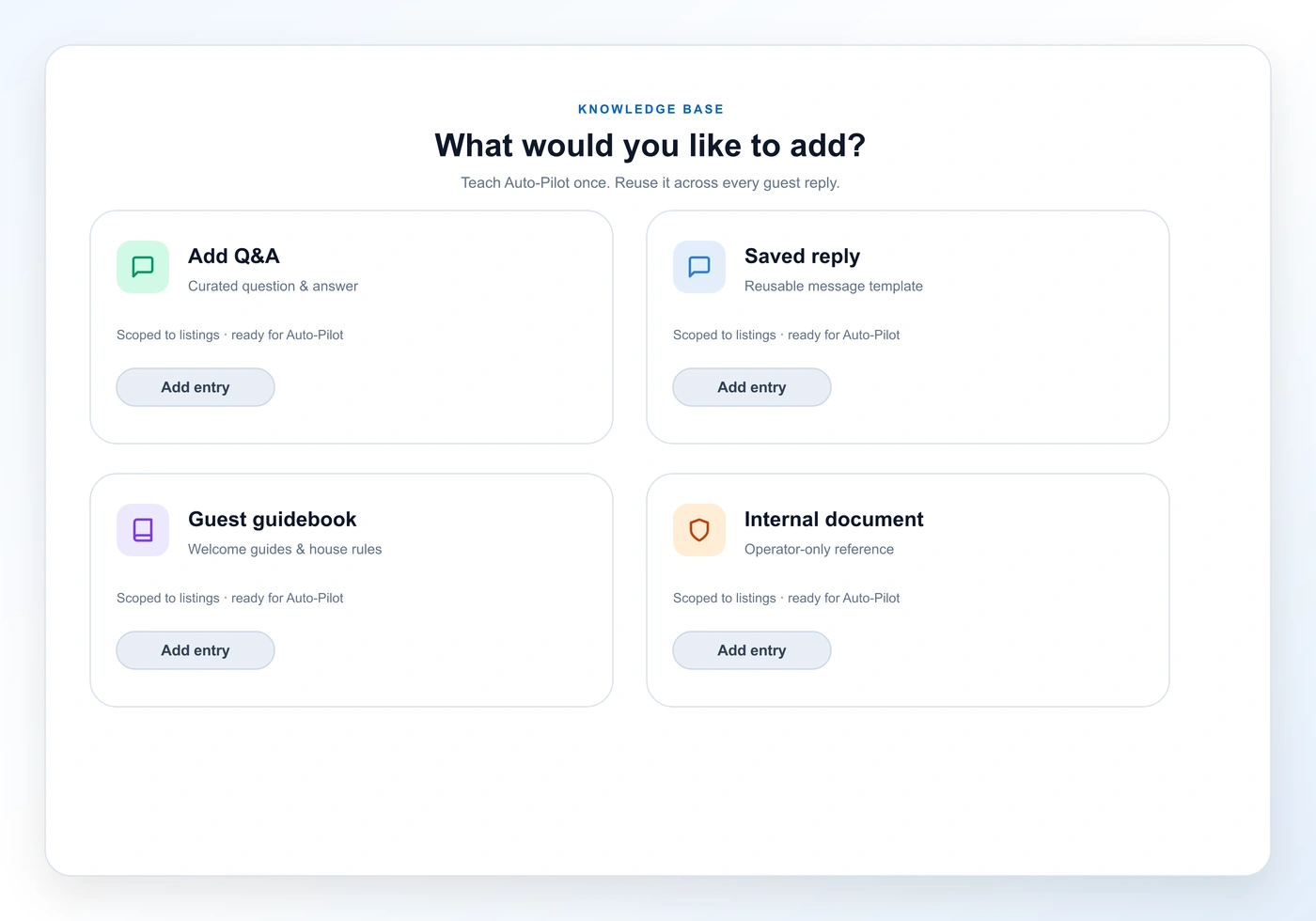
01 Add Knowledge

Teach Auto-Pilot what guests need to know.

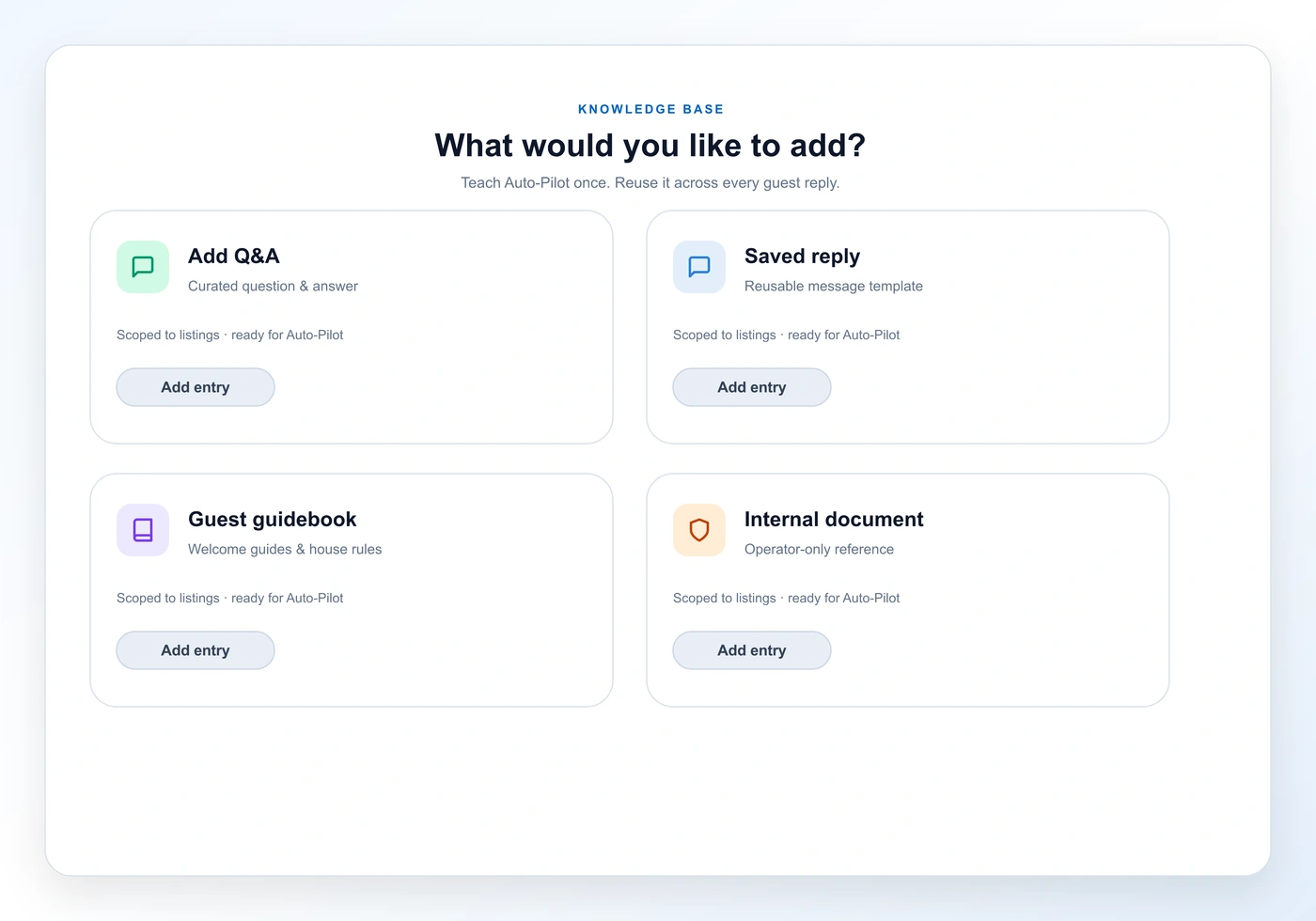
Create curated Q&As, saved replies your team already uses, guest guidebooks, and internal documents guests never see. Scope each entry to the listings and properties where it applies.

  • Curated Q&A for precise Auto-Pilot answers
  • Saved replies Auto-Pilot can quote on match
  • Guest guidebooks and internal operator docs
02 Browse

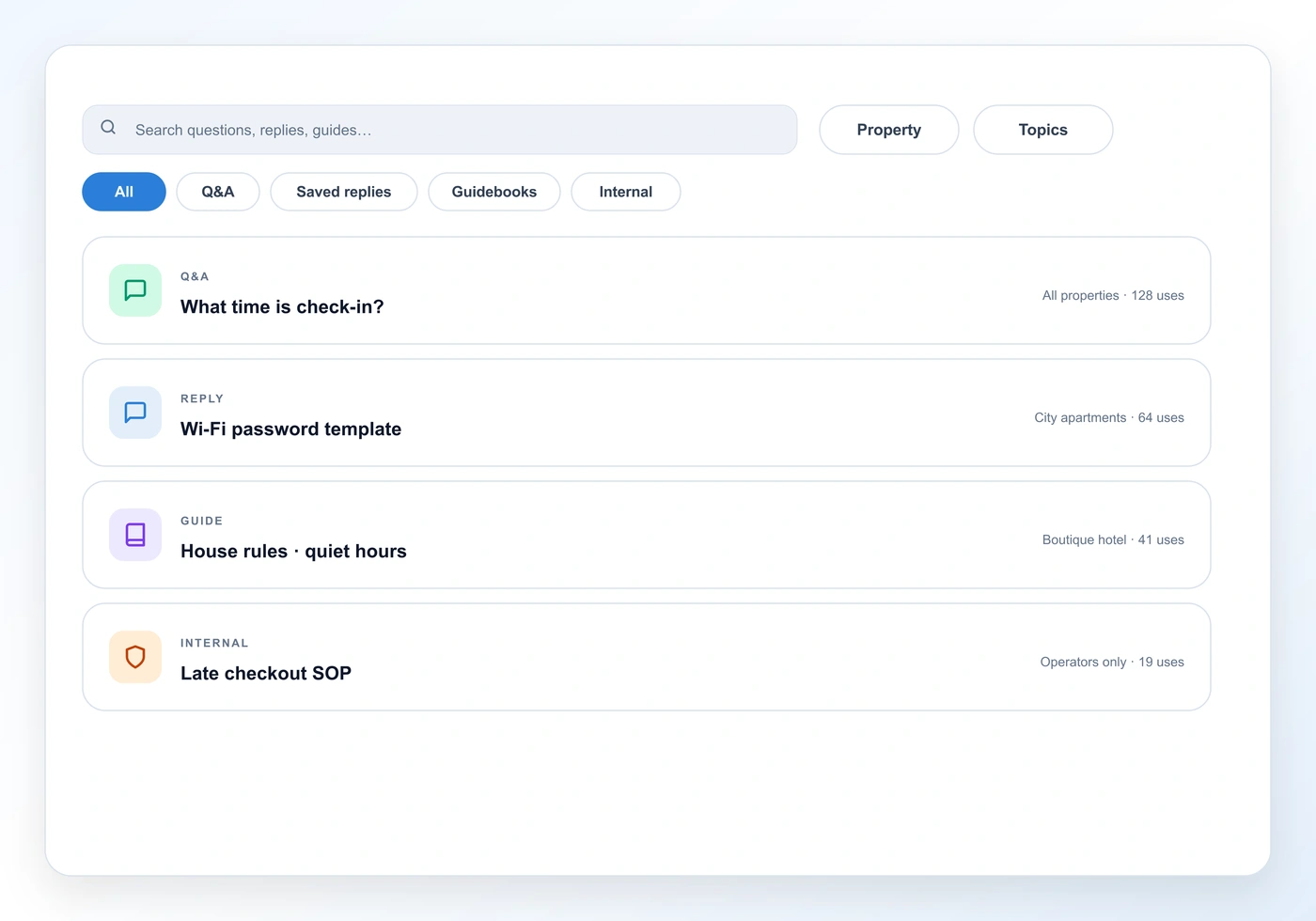
Search the knowledge base like an operator, not a folder dump.

Filter by type, scope, and topics. Sort by usage and votes. Exclude entries from Auto-Pilot without deleting them when a policy changes.

  • Tabs for Q&A, saved replies, guidebooks, internal docs
  • Scope and topic filters across the portfolio
  • Exclude from knowledge without losing the source
03 Suggestions

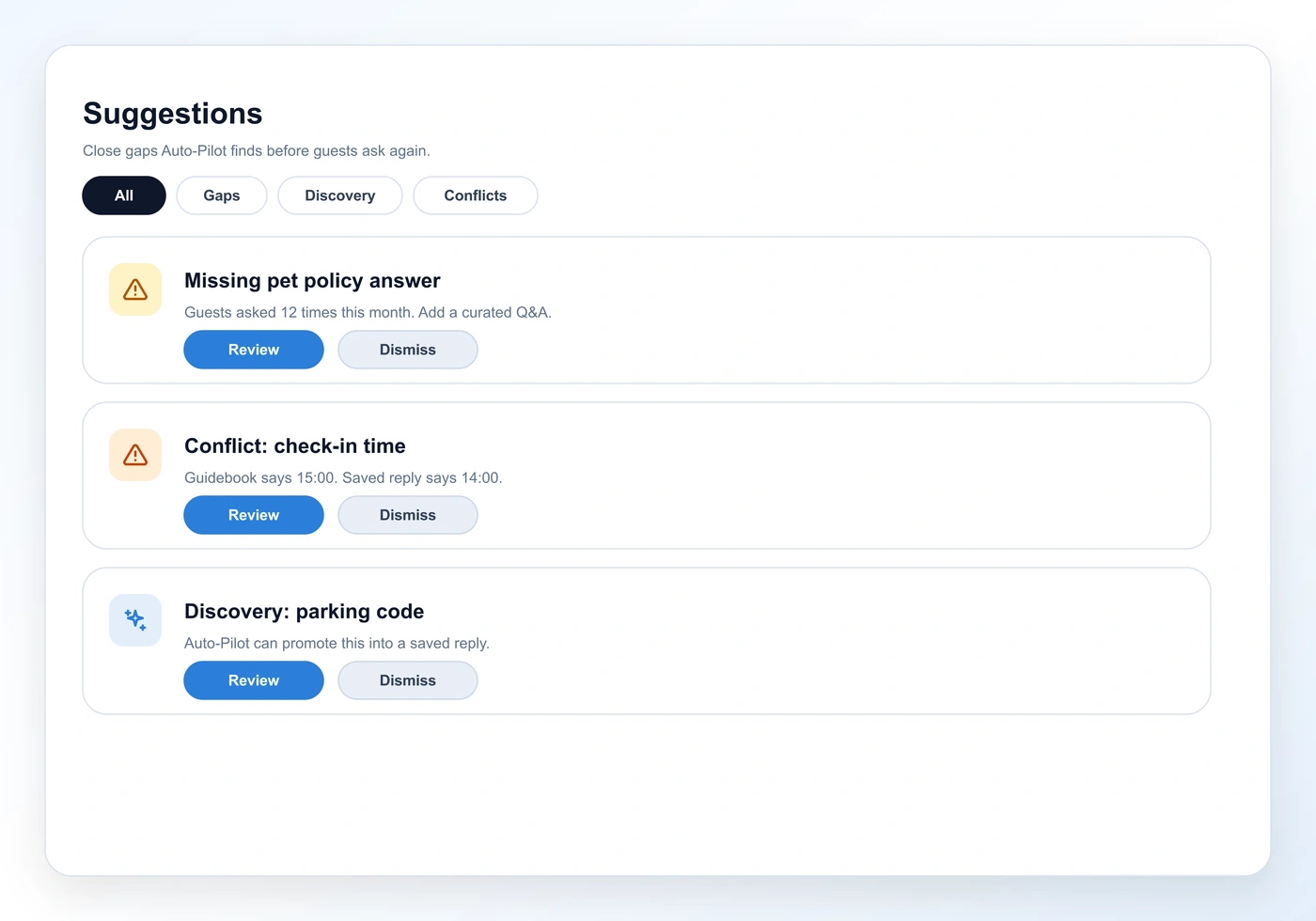
Close the gaps Auto-Pilot discovers.

When Auto-Pilot hits a question it cannot answer well, AI Center surfaces knowledge gaps, discoveries, and conflicts for review. Accept, edit, or dismiss before they become repeated misses.

  • Knowledge gaps from real guest questions
  • Discovery and conflict suggestions
  • Accept, edit, or dismiss in one place
04 Playground

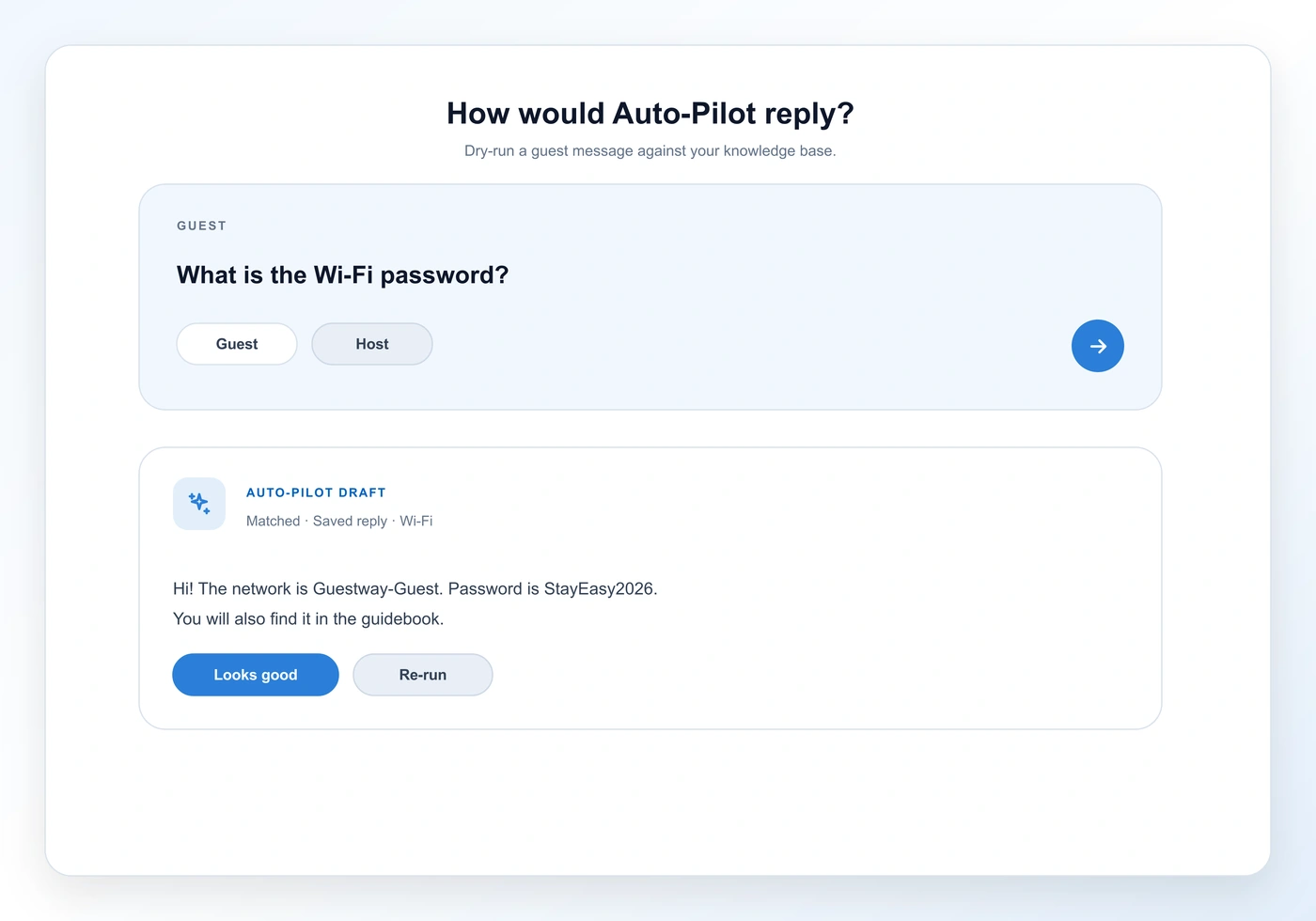
Dry-run a guest message before it goes live.

Type a guest question, see how Auto-Pilot would reply against your knowledge base, and re-run from any message. Host mode lets you draft without Auto-Pilot when you want a human baseline.

  • Dry-run against the live knowledge base
  • Re-run from a conversation message
  • Host mode without Auto-Pilot for comparison
05 Auto-Pilot

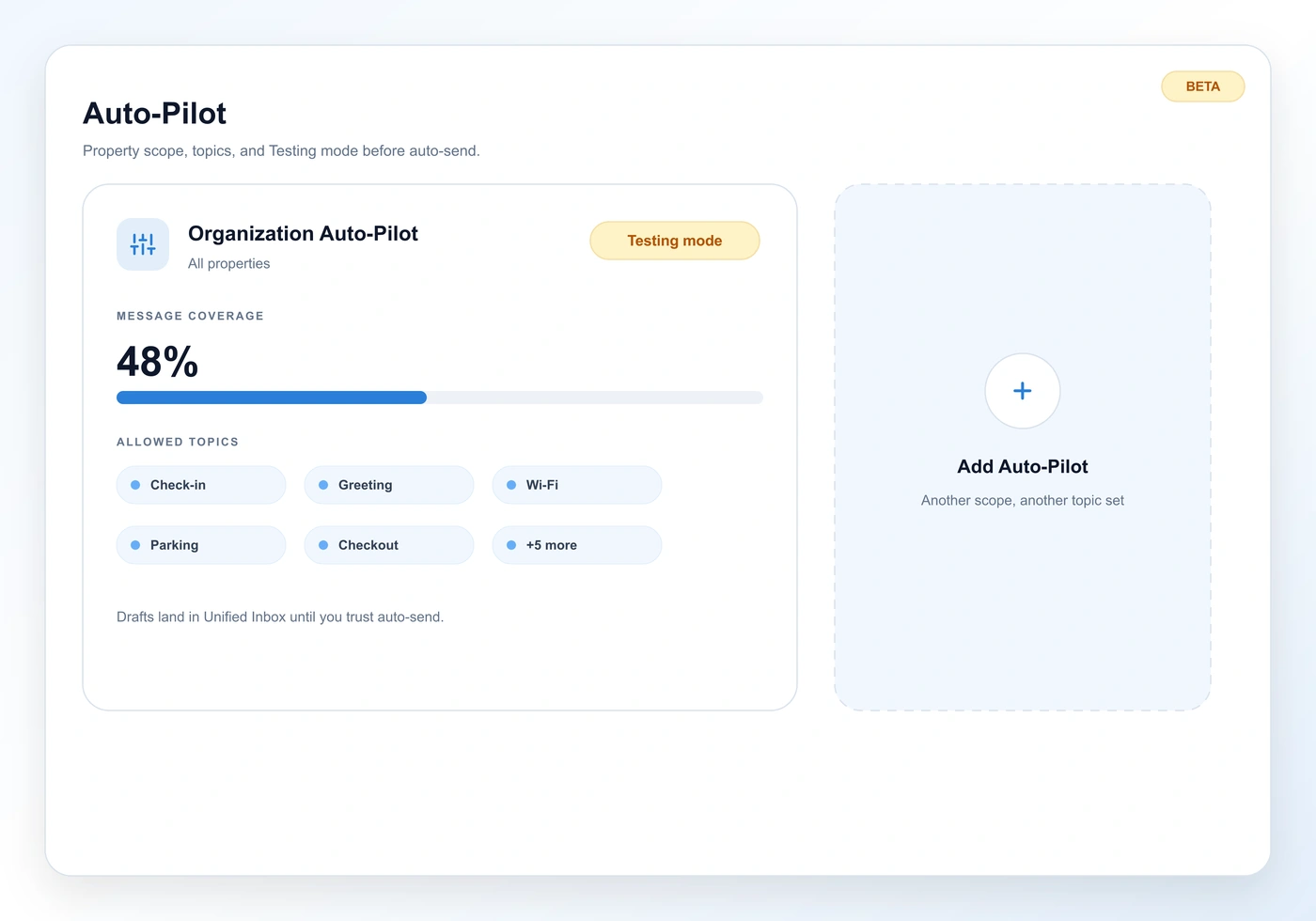
Testing mode first. Auto-send when you trust it.

Configure Auto-Pilot per property scope with allowed topics, response delay, and message coverage. Testing mode turns automatic sends into drafts in the Unified Inbox so your team reviews before guests see a reply. Auto-Pilot answers in 30+ languages.

  • Testing mode drafts instead of auto-send
  • Allowed topics and response delay
  • Replies in 30+ languages across channels
And much more

Knowledge in, guest replies out.

Curated Q&A

Write question and answer pairs Auto-Pilot can match when guests ask the same thing in different words.

Saved replies

Reuse team templates. Auto-Pilot quotes them when the guest message matches.

Guest guidebooks

PDF or rich-text guidebooks Auto-Pilot can pull from for stay-specific answers.

Internal documents

Operator-only knowledge guests never see, available when Auto-Pilot needs back-of-house context.

Property scope

Bind knowledge and Auto-Pilot configs to listings, multi-units, or complexes.

Allowed topics

Auto-Pilot only replies when the guest message matches topics you allow.

Testing mode

Replies that would auto-send arrive as drafts in the Unified Inbox for review instead.

Response delay

Add a short wait so hosts can take over and replies do not feel instant-bot.

Message coverage

See how much inbound volume sits inside your allowed topics versus industry and org averages.

30+ languages

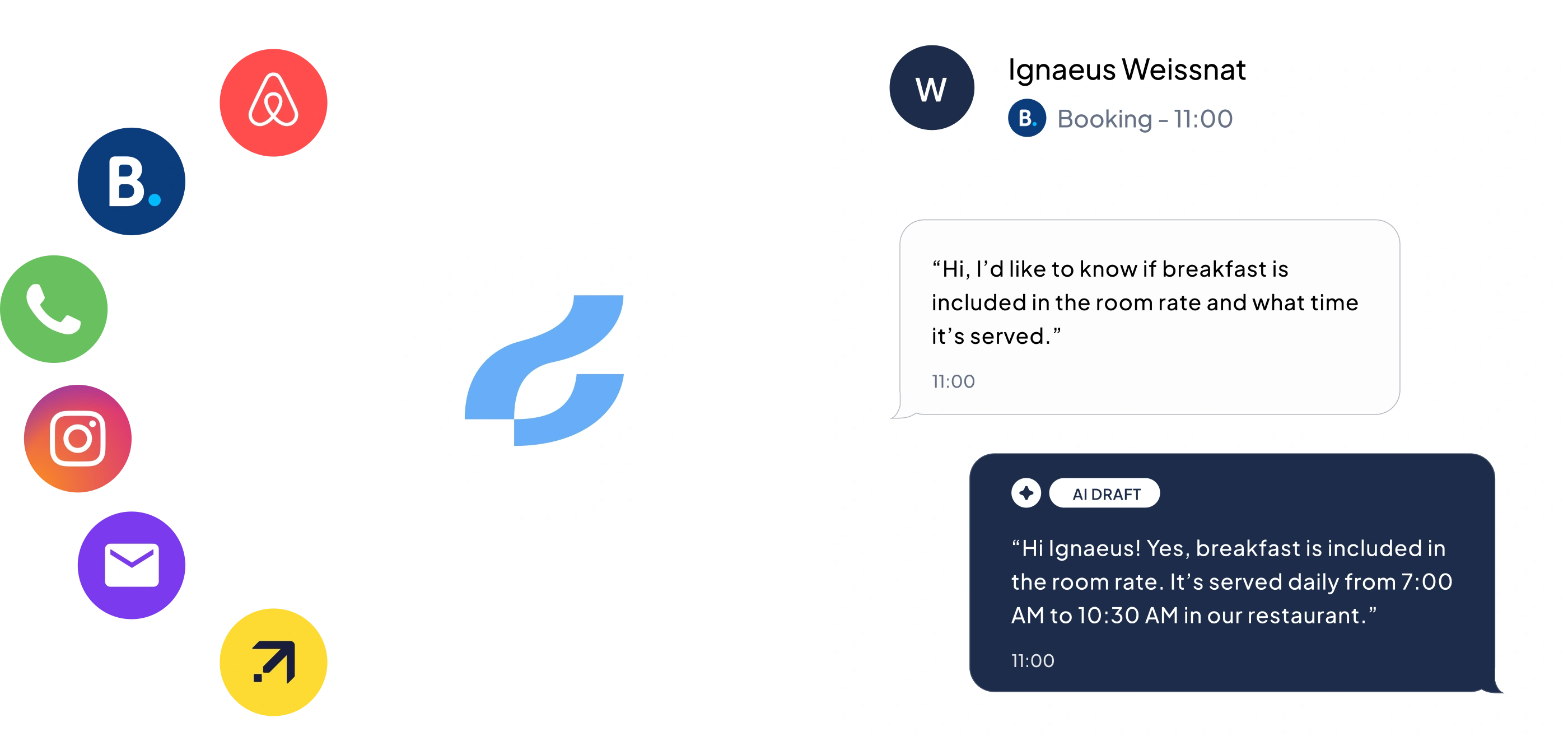
Auto-Pilot replies in the guest's language across the channels in your Unified Inbox.

Playground dry-runs

Test Auto-Pilot against your knowledge base before enabling it on live conversations.

Inbox integration

Open AI Center from a thread, review Auto-Pilot drafts, and teach gaps without leaving guest context.

FAQ

Questions, answered.

Still curious? Talk to the team, we’ll show you the platform running on real data from a property like yours.

Talk to sales
AI Center is where you build and manage the knowledge base Auto-Pilot uses to answer guests. Add Q&As, saved replies, guidebooks and internal docs, review suggestions, dry-run replies in Playground, then configure Auto-Pilot per property.
AI Center is live today for guest-reply knowledge and Auto-Pilot. Operations Center is early access for ops issue detection, task creation, and team routing. AI Center teaches replies; Operations Center watches for operational problems.
When Testing mode is on, replies that would have been sent automatically arrive as drafts in the Unified Inbox for review instead. Turn it off when you trust Auto-Pilot to send.
Curated Q&A, saved replies, guest guidebooks (PDF or rich text), and internal documents that guests never see. You can scope entries to specific listings and properties.
Yes. Auto-Pilot replies in 30+ languages across the channels in your Unified Inbox, using the knowledge you taught in AI Center.
A full dashboard overview is coming soon. Today you use Browse, Add Knowledge, Suggestions, Playground, and Auto-Pilot configuration.
Auto-Pilot runs on guest conversations in the Unified Inbox. You can open AI Center from a thread, review drafts from Testing mode, and teach knowledge gaps without leaving guest context.

Teach it once. Auto-Pilot answers the rest.

See AI Center on a portfolio like yours, knowledge setup, Playground dry-runs, and Testing mode drafts in the Unified Inbox.

We use cookies

We use strictly necessary cookies to keep this site working, plus optional analytics cookies to understand how visitors use the site. Read our privacy policy for details.