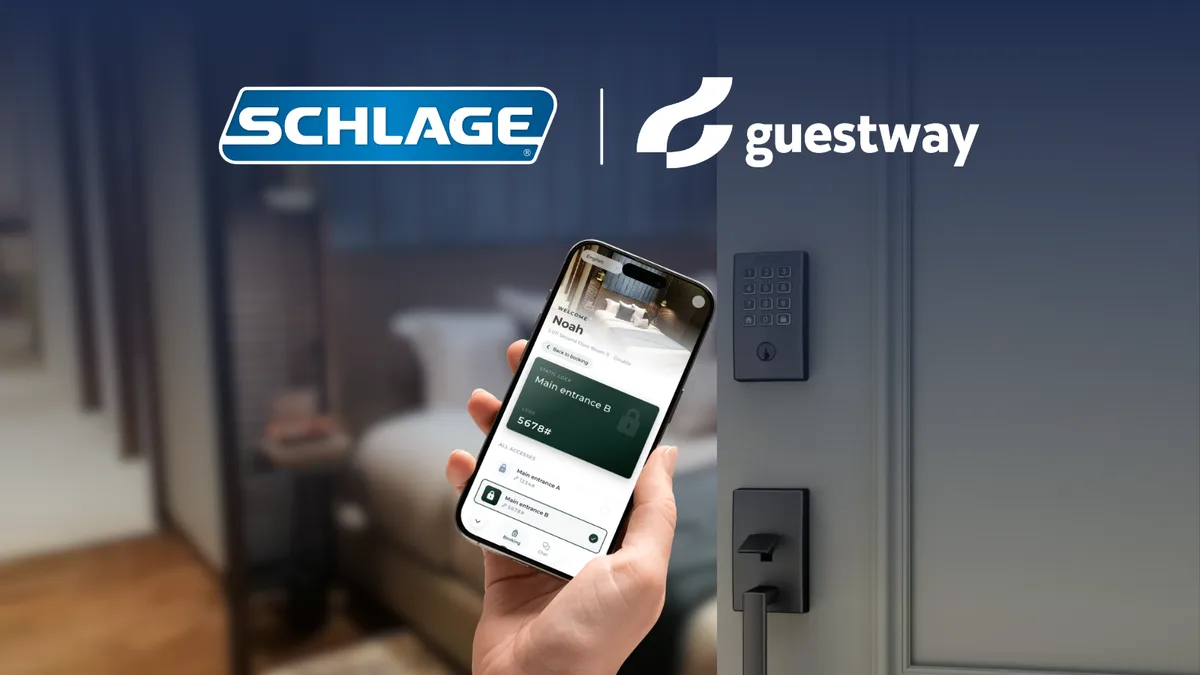
Guestway integrates with Schlage Encode Wi-Fi smart locks. When a booking from the property management system (PMS) is confirmed, Guestway creates a unique door code on the Schlage lock that works only during the stay, and removes it at checkout. The Schlage integration is live for all Guestway customers since October 2026.
Reliable smart locks with built-in alarm technology and seamless integration for vacation-rental access.
Schlage and Guestway at a glance
Partner and category
Schlage, smart locks (Encode Wi-Fi range)
Supported models
Schlage Encode deadbolt (BE499), Encode Plus deadbolt (BE489), Encode lever (FE789)
What syncs
Guestway to Schlage: access codes per booking, staff codes, remote open commands. Schlage to Guestway: lock activity, connection status, battery level
Trigger
A confirmed booking in the PMS; date changes update the code
Guestway modules
Access Management
Automations
Unified Inbox
Guest App
Status
Live for all customers since October 2026
Setup
A few minutes: sign in with a Schlage account, select locks, link each lock to its unit
The problem
Handing out door codes by hand takes time every single booking
Without an integration, every reservation creates the same small job. Someone on the team opens the lock app, creates a code, sets its dates, copies it into a message and deletes it after checkout. Across a portfolio of a hundred units, that job repeats hundreds of times a month, and every repeat is a chance to send the wrong code or forget to remove one.
How it works
How the Schlage integration works, from booking to checkout
Guestway turns each step of guest access into something that happens on its own.
1 A booking is confirmed in the PMS.
2 Guestway creates a unique PIN on the Schlage lock linked to that unit, valid from check-in to check-out in the lock's local time.
3 Guestway sends the code to the guest automatically, in a message and in the Guest App.
4 If the dates change, Guestway updates the code.
5 The guest uses the code at the door. Guestway can mark them as checked in on first use.
6 At checkout, Guestway removes the code from the lock.
Outcomes
What changes for the team
No more manual code handling per booking
Codes are created, sent and removed by Guestway. Access rules set the details once: codes can start or end a set time around check-in or check-out, be held back until online check-in is done, and be revoked at checkout.
One place to see what happens at every door
Every lock and unlock event shows how it happened: keypad, thumbturn, the Schlage button, the Schlage app, auto-lock or Apple Home Key. Wrong-code attempts and jammed locks are flagged, next to connection status and battery level.
Staff access and remote help without the Schlage app
The team creates named codes for cleaning and maintenance staff, permanent or time-bound. Operators can open the door from Guestway, and guests can open it in the Guest App within 100 metres when the operator enables it.
Where it fits
Where Schlage fits in Guestway
The Schlage integration runs inside Access Management, next to the other locks a portfolio may use. Codes reach guests through Automations and the Guest App, and guest questions about access land in the Unified Inbox.
Setting up Schlage in Guestway takes a few minutes
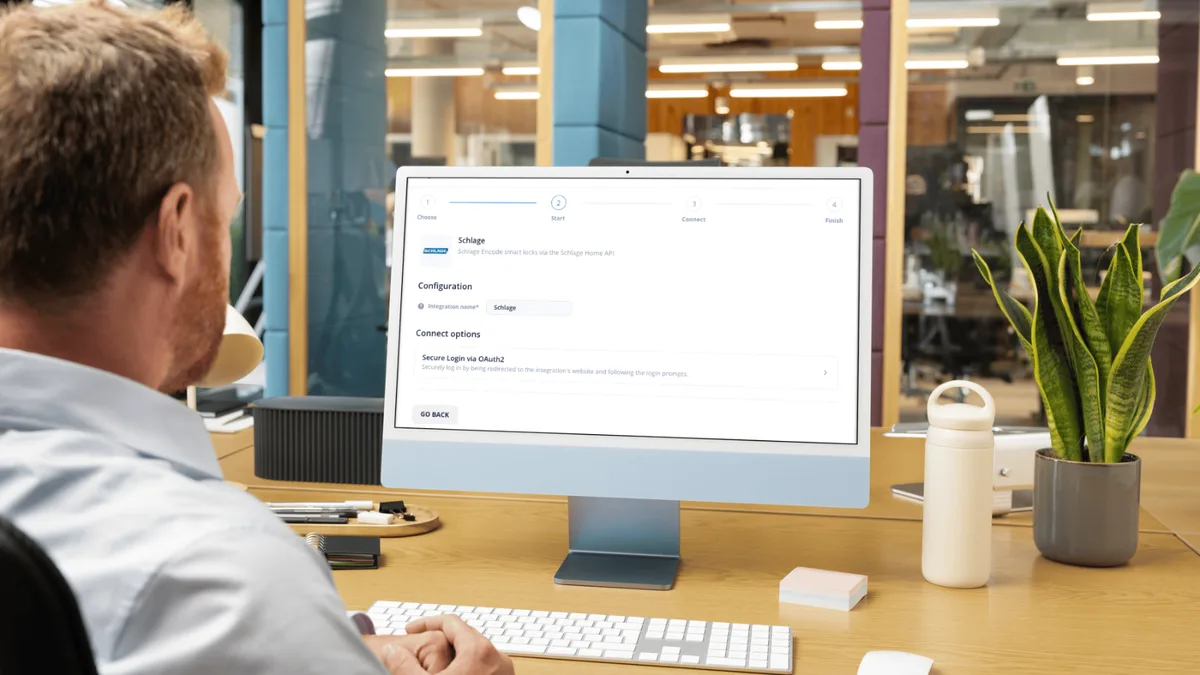
The operator connects Schlage without Guestway support. In Guestway, they choose Schlage from the integrations and sign in with their Schlage account, with no API keys to copy. They then select which locks to manage and link each lock to its unit.
Supported: Schlage Encode deadbolt (BE499), Encode Plus deadbolt (BE489) and Encode lever (FE789). Other Schlage models, such as Sense or keypad-only locks, are not supported.
The locks must be in the Schlage account used to connect, and each lock must be linked to its unit in Guestway.
Schlage codes cannot be paused. A code exists for its validity window or it is removed.
PIN length follows the setting on each lock (4 to 8 digits). Guestway avoids easy-to-guess PINs such as 1234.
A remote open shows as successful when Schlage accepts the command, not when the door has physically opened.
FAQ
Frequently asked questions
01
Does Guestway integrate with Schlage?
Yes. Guestway integrates with Schlage Encode Wi-Fi smart locks: the Encode deadbolt, Encode Plus deadbolt and Encode lever. The Schlage integration is live for all Guestway customers since October 2026.
02
Which Schlage locks work with Guestway?
Guestway supports the Schlage Encode deadbolt (BE499), Schlage Encode Plus deadbolt (BE489) and Schlage Encode lever (FE789). Other Schlage models, such as Sense or keypad-only locks, do not work with Guestway.
03
How does Guestway create door codes on Schlage locks?
When a booking is confirmed in the PMS, Guestway creates a unique PIN on the linked Schlage lock, valid from check-in to check-out. Guestway removes the code when the stay ends and updates it when the dates change.
04
Do I still need the Schlage app?
Not for daily operations. In Guestway, operators manage Schlage codes, open doors remotely and see lock activity, connection status and battery level.
05
How long does it take to connect Schlage to Guestway?
Connecting Schlage to Guestway takes a few minutes. The operator signs in with their Schlage account, selects the locks and links each lock to its unit in Guestway.
Related
Other locks integrations
Live
Nuki
European smart-lock leader with keyless entry, remote access and seamless integration for short-term rentals.
Live
Salto
Salto is a leading global smart access solutions provider. Salto develops pioneering facility access, identity management, and electronic locking technology that ensures seamless, reliable, and secure experiences.