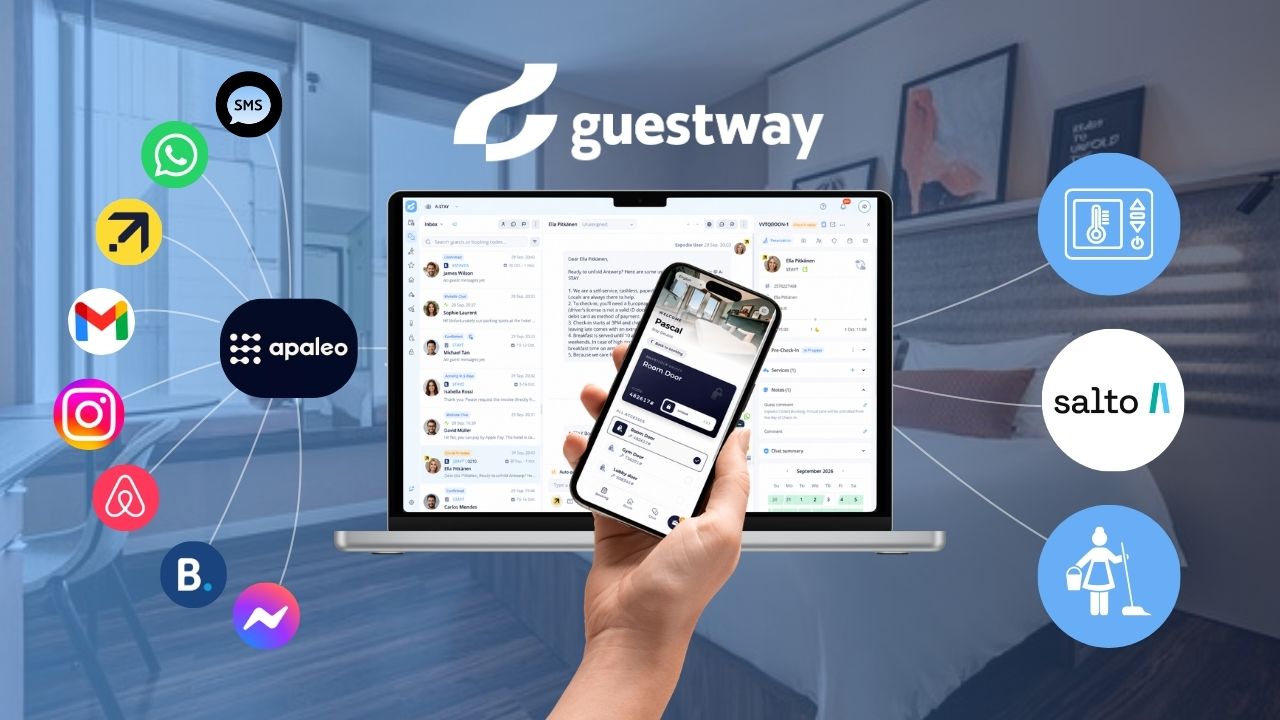
Guestway integrates with Apaleo, the cloud property management system (PMS), so hotels and aparthotels stop keeping two systems aligned by hand. Reservations and guests flow in from Apaleo as they change, room status and check-ins flow back, and upsells paid in Guestway can be posted to the Apaleo folio. The Apaleo integration is live for all Guestway customers.
Apaleo, cloud property management system (PMS). Partner page: https://store.apaleo.com/apps/guestway
Connection
Sign in with an Apaleo login that can allow apps for the property, no API keys
Properties
Each Apaleo property is its own integration
Read from Apaleo
Property, unit groups and units; reservations and guests; calendar blocks; services booked on a reservation; open balance of the guest folio
Written back to Apaleo
Room condition (Clean, Dirty, Clean to be inspected), reservation notes, guests, check-in and check-out, early check-in and late check-out times, room assignment, folio charges and payments and upsells booked as services (for the fees and upsells the hotel turns this on for)
Sync
Apaleo notifies Guestway of most changes as they happen. Guestway also checks reservations every 15 minutes and listings every hour, and imports up to 5 years of reservations when you connect
Guest messages
Apaleo does not send guest messages. Booking.com messages reach Guestway by email forwarding; Airbnb and Expedia connect directly
Super admin, in Settings → Organization → Integrations
Keeping multiple systems aligned manually costs the front desk time every day
Without an integration, the front desk keeps two systems aligned by hand. A guest buys an early check-in in the guest portal, and someone retypes the charge onto the Apaleo folio. Housekeeping marks a room clean in one tool, and reception updates it in the other. In a building of a hundred rooms, these copies happen many times a day, and each one is a chance for a missed charge or a room shown as dirty when it is ready.
How the Apaleo integration works, from booking to check-out
Guestway and Apaleo share the same reservation, so each step happens once.
1A reservation is created or changed in Apaleo, and Apaleo tells Guestway as it happens.
2Guestway places the reservation on the right room, with its guests, in the Multi-calendar and the guest journey.
3When a reservation has no room yet, Guestway can assign one and send it to Apaleo.
4Upsells and fees the guest pays in Guestway can be posted to the guest folio in Apaleo.
5When housekeeping changes the room status in Guestway, the room condition in Apaleo changes too, and the other way round.
6Check-in and check-out recorded in Guestway are written back to the reservation in Apaleo.
What changes for the team
Upsell and fee revenue reaches the folio without retyping
Fees, payments and upsells paid in Guestway can be posted to the Apaleo guest folio, each only once, with the VAT rate you set. Early check-in, late check-out and the damage waiver can get their own services in Apaleo.
Housekeeping and the front desk see the same room status
Room condition (Clean, Dirty, Clean to be inspected) updates both ways between Guestway and Apaleo. Reception knows which rooms are ready without calling housekeeping.
Every guest message in one inbox, next to the reservation
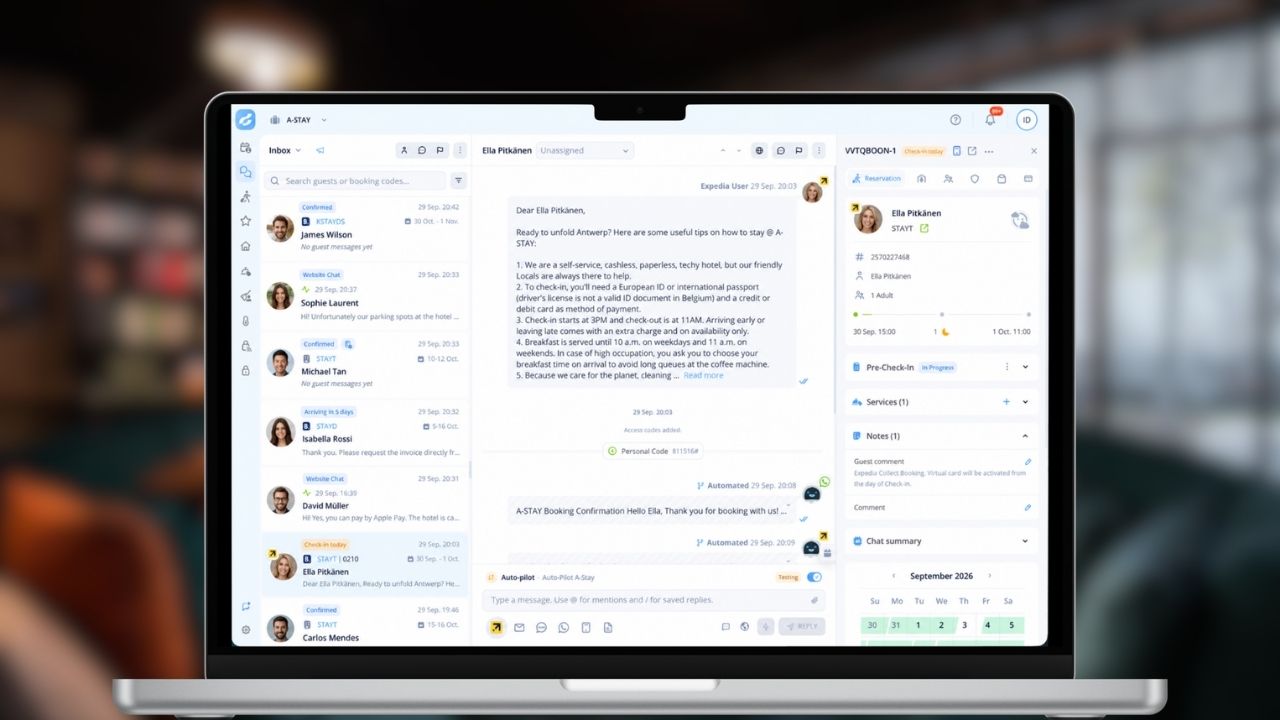
Apaleo does not handle guest messages, so Guestway brings them in: Booking.com by email forwarding, Airbnb and Expedia directly. The team replies in the Unified Inbox with the Apaleo reservation beside the conversation.
Where Apaleo fits in Guestway
Apaleo stays the system of record for reservations, rooms and billing, and Guestway runs the guest experience and operations on top of it. Reservations from Apaleo drive the Guest App, the Multi-calendar and Cleaning Management, and Automations can act on the open folio balance.
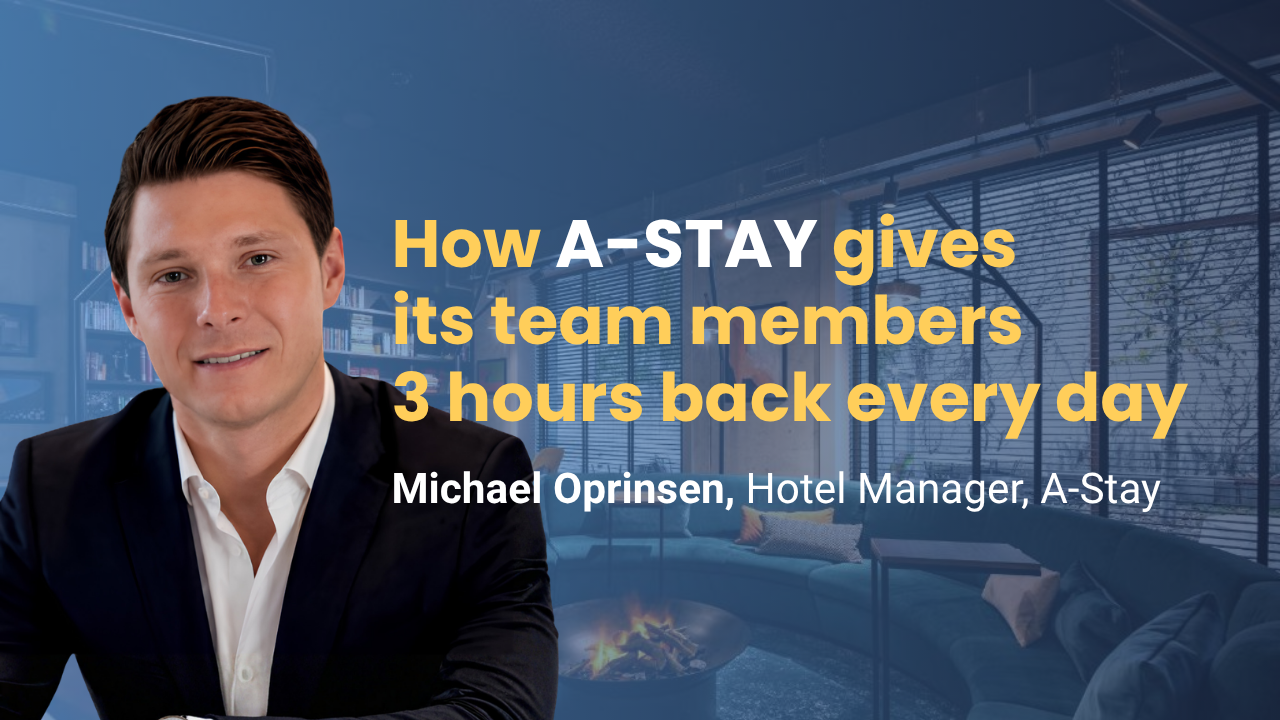
A-STAY Antwerp, a 190-room hotel on Apaleo, runs its guest inbox, pre-check-in and housekeeping this way with Guestway, and saves each front-desk team member about 3 hours a day. "It's really automated, and it takes away a lot of the administrative load a small team can have," says Michael Oprinsen, hotel manager at A-STAY Antwerp. Read the full case study here.
A Super admin connects Apaleo in Settings → Organization → Integrations. They enter the Apaleo property code and sign in with an Apaleo login that can allow apps for the property, with no API keys to copy. Each Apaleo property is one integration. The property code cannot be changed later. To link Apaleo users to Guestway users, sign in with a login that can see the users of the Apaleo account. An optional step sets up email forwarding for Booking.com messages.
Yes. Guestway integrates with Apaleo, the cloud property management system. Guestway reads rooms, reservations and guests from Apaleo, writes room status and check-in and check-out back, and can post fees and upsells to the folio.
What data syncs between Apaleo and Guestway?
Guestway reads the property, unit groups, units, reservations, guests, calendar blocks and the open folio balance from Apaleo. Guestway writes room condition, reservation notes, guests, check-in and check-out, room assignment and, for the items the hotel turns this on for, folio charges and payments back to Apaleo.
Can Guestway post upsells and fees to the Apaleo folio?
Yes. Guestway can post fees, payments and upsells to the guest folio in Apaleo, each only once, for the items the hotel turns this on for. Early check-in, late check-out and the damage waiver can get their own Guestway services in Apaleo.
How does Guestway handle guest messages with Apaleo?
Apaleo does not send guest messages, so Guestway receives them from the channels: Booking.com messages by email forwarding, and Airbnb and Expedia through a direct connection. The team answers them in the Guestway Unified Inbox next to the Apaleo reservation.
How do I connect Apaleo to Guestway?
A Super admin in Guestway enters the Apaleo property code and signs in with an Apaleo login that can allow apps for the property. Each Apaleo property is connected to Guestway as its own integration.
Which hotels use Guestway with Apaleo?
A-STAY Antwerp, a 190-room hotel, runs Guestway on top of Apaleo for its guest inbox, pre-check-in and housekeeping. Since moving to Guestway, A-STAY reports up to 60% faster response times and a Booking.com review score that rose from 8.1 to 8.5.
See Guestway and Apaleo in action
If your hotel or aparthotel runs on Apaleo, see how Guestway works on top of it, from the first booking to check-out.