
Faster answers to Airbnb guests
Messages travel directly between Airbnb and Guestway, without the detour that some PMS take.
OTAs Live
Guestway integrates directly with Airbnb, next to your property management system (PMS). Airbnb messages arrive in the Guestway Unified Inbox and replies go back through Airbnb, often at once. The team can also approve booking requests and reply to reviews from Guestway. The Airbnb integration is live.
Guestway sends and receives Airbnb messages directly, and brings booking requests and reviews into the same inbox.
| Partner and category | Airbnb · OTA / channel. Partner page |
|---|---|
| Connection | Direct connection: sign in with Airbnb and accept the permissions, no API keys |
| Requires | A connected PMS, such as Guesty or Hostaway; listings and reservations keep coming from the PMS |
| Airbnb to Guestway | Guest messages with full history, reviews, listing photos |
| Guestway to Airbnb | Message replies, review replies, host reviews, reservation decisions |
| Reservation actions | Pre-approve inquiries; approve or decline booking requests; approve or decline guest change requests |
| Accounts | Several Airbnb accounts, each its own connection |
| Guestway modules |
|
| Status | Live |
| Setup | Super admin, in Settings → Organization → Integrations |
A guest asks on Airbnb to arrive a day earlier. Depending on the PMS, the message can take a detour before it reaches the team. Someone checks the calendar, logs in to Airbnb to approve the change, then goes back to reply. The same routine repeats for every inquiry, booking request and review, spread over two or three screens.
Your PMS keeps bringing in listings and reservations. The Airbnb connection adds a direct line for everything around them.
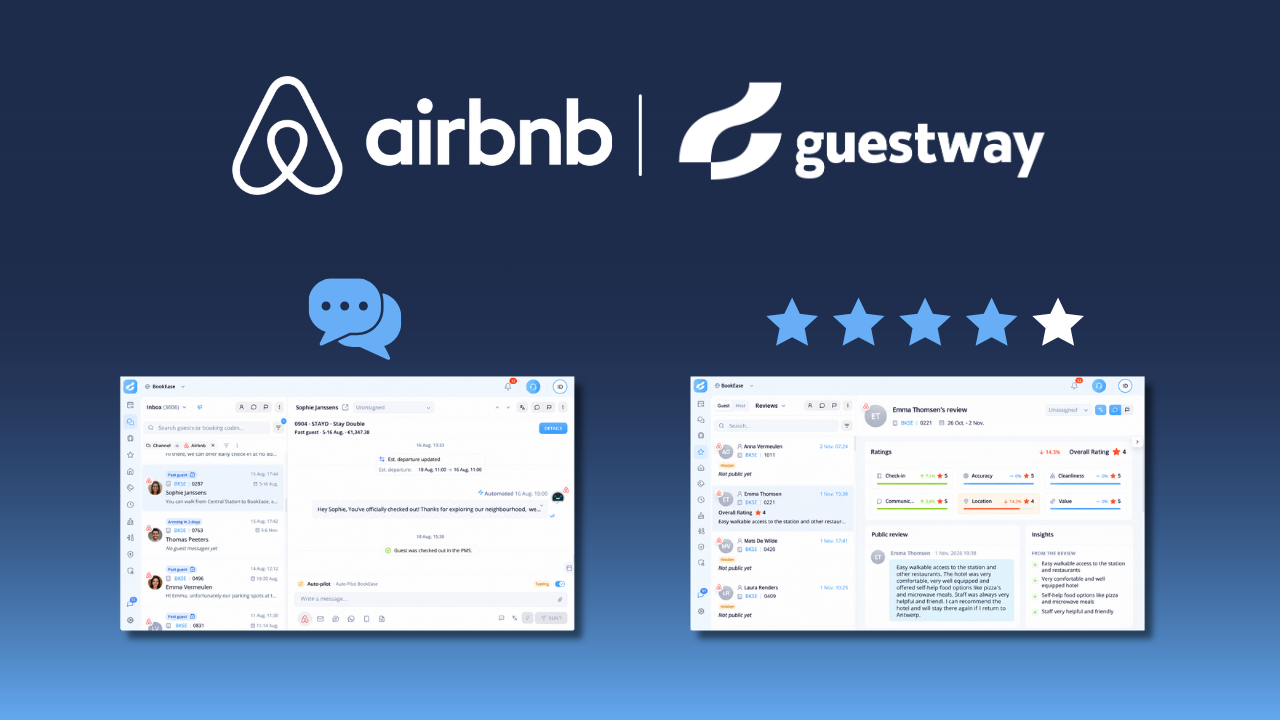
Messages travel directly between Airbnb and Guestway, without the detour that some PMS take.
Inquiries, booking requests and change requests are handled in the conversation, next to the guest’s messages.
Replies to guest reviews and host reviews of guests are written in the Review Center.
Airbnb sits next to the other guest channels in the Unified Inbox. The team handles Airbnb conversations the same way as every other channel, with the reservation from the PMS alongside.
 Case study

Guestway modules
A Super admin connects Airbnb in Settings → Organization → Integrations, by signing in with the Airbnb account and accepting the permissions. No API keys are needed. The PMS must be connected first. Businesses with several Airbnb accounts connect each one separately, with a clear name the team sees in the inbox.
Read the setup guide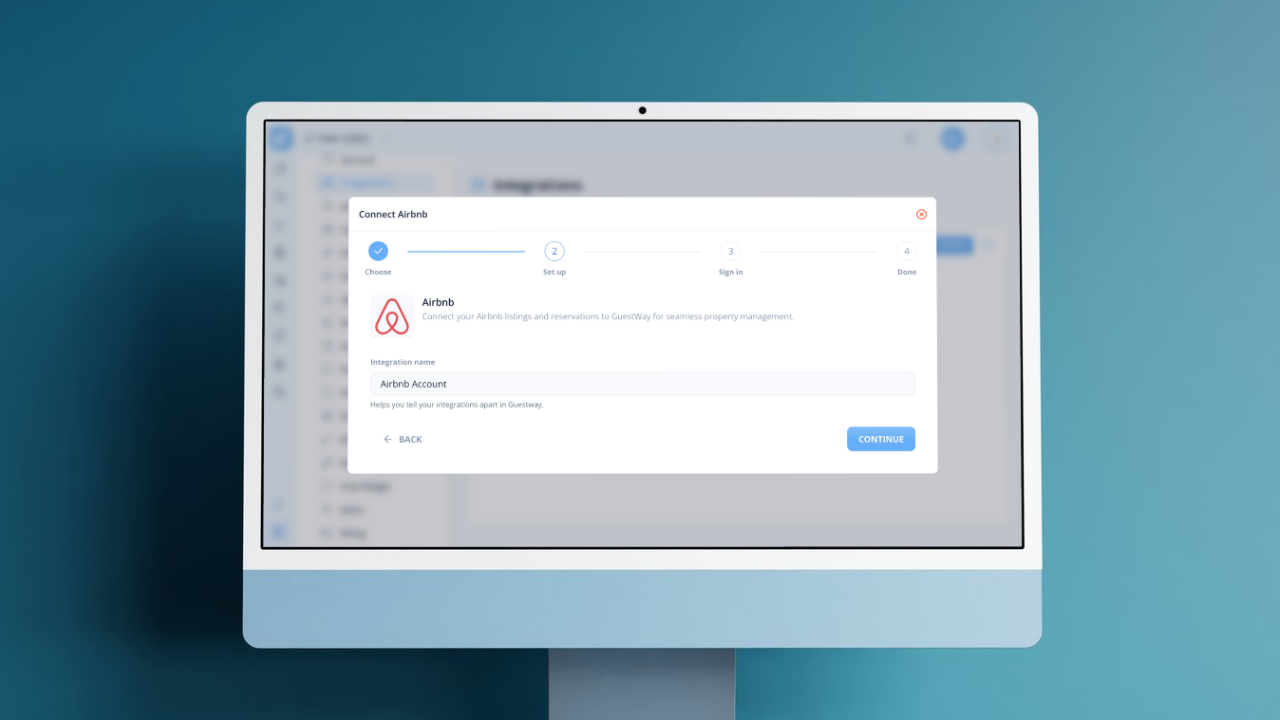
Yes. Guestway connects directly with Airbnb, next to your PMS, so Airbnb messages, booking requests and reviews come into Guestway.
Yes. The Airbnb integration adds to your PMS in Guestway and does not replace it: listings and reservations still come from the PMS.
Guestway sends and receives Airbnb messages through its direct connection with Airbnb, not through the PMS. Replies sent in Guestway reach the guest in the Airbnb chat.
Yes. In Guestway you can pre-approve Airbnb inquiries, approve or decline booking and change requests, reply to Airbnb reviews and write host reviews of guests.
Yes. Each Airbnb account is its own connection in Guestway, so a business with an account per brand or region connects each one separately.
Yes. Guestway sends messages to Airbnb guests in their Airbnb conversation, the same thread they see in the Airbnb app, so no phone number is needed. Only WhatsApp and SMS need a phone number, so for Airbnb guests the Airbnb channel in Guestway is the one that always reaches them.
 Live · API
Integrate Expedia Group channels including Hotels.com for centralised reservation management.
 Live · Email/PMS
Sync your Booking.com reservations automatically and manage guest communication directly from Guestway.
 Early access
Distribute to Agoda's Asia-Pacific traveller base with synced availability and centralised reservation management.
Browse all 59 systems Guestway connects to, from PMS and OTAs to locks, thermostats and payments.
See the catalogIf your team handles Airbnb guests next to a PMS, see how Guestway brings messages, requests and reviews into one place.
Last updated:
We use strictly necessary cookies to keep this site working, plus optional analytics and advertising cookies. Read our privacy policy for details.